
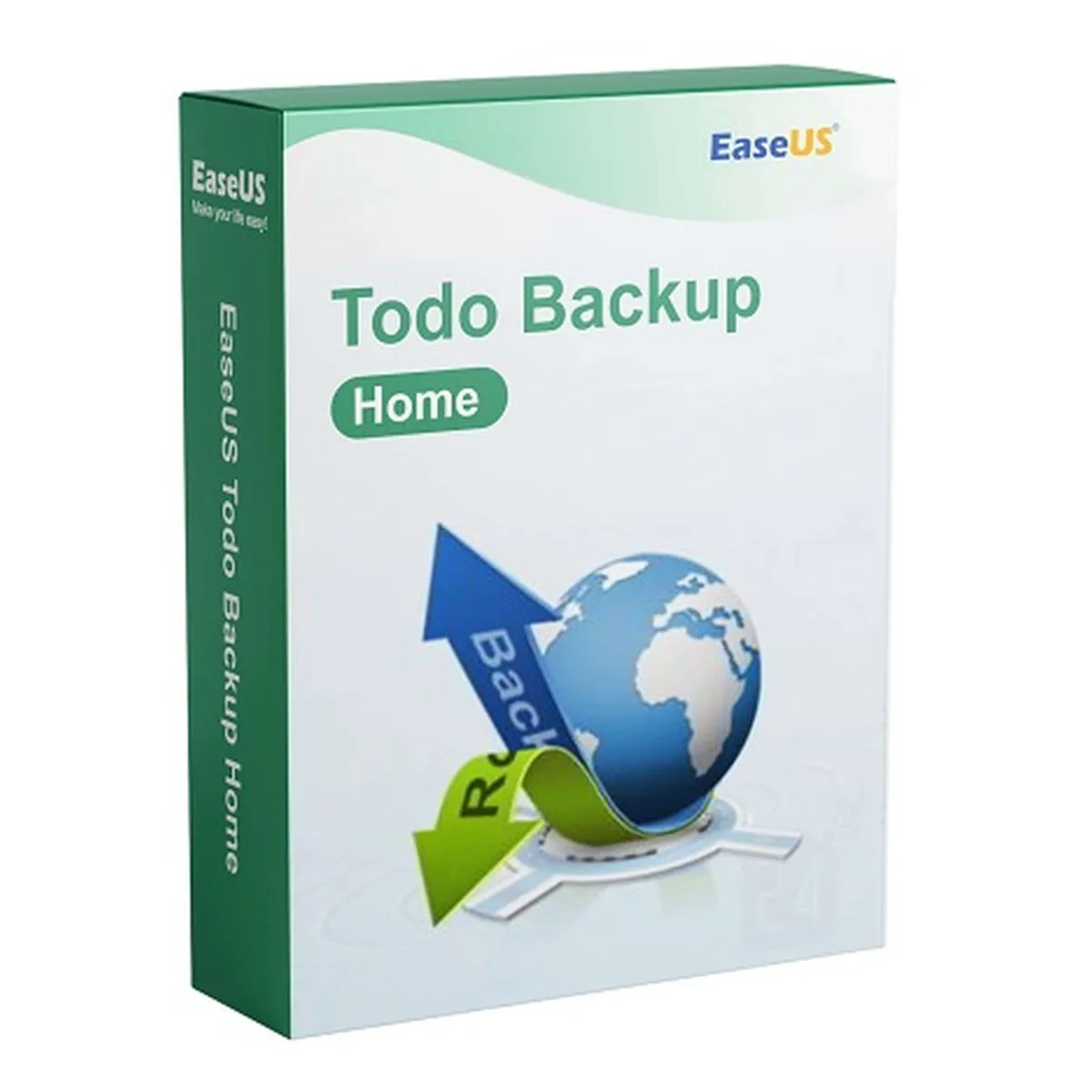
EaseUS
EaseUS Todo Backup Home
1 Windows PC · 1 year · no auto-renewal
- 1 PC
- 1 year
- Windows
€11.90
incl. 19% VAT
Product illustration · digital delivery, no packaging or hardware.
1 Windows PC · perpetual licence · no subscription
Secure payments with PayPal.
iQPrinceps UG (haftungsbeschränkt) · Help & contact
Complete any bank verification for your card, or approve the payment with PayPal.
On the order page and by email, usually within minutes of confirmed payment.
Follow the instructions for your exact version. Your invoice arrives by email.
Unsure which product to choose?PC backup: choosing the right backup software
Back up important documents, photos or a complete system image. Todo Backup Home schedules backups and restores data from existing backups. You receive a perpetual licence for one Windows PC.
Select files, partitions, drives or the whole Windows system.
Run backups automatically at fixed times.
Combine full, incremental and differential backups.
Bring back single files or the whole system from a backup.
| System | Windows 11 or Windows 10 |
|---|---|
| Storage | A separate backup target with enough free space, e.g. an external drive |
| Internet | For download and activation |
After purchase you receive the download links and an illustrated step-by-step guide on the order page and by email. We help personally with any questions.
You can use the activated version permanently. We do not promise free future major versions.
Cloud storage and additional PCs are not included.
No. It is a perpetual licence for one PC; nothing is charged on a recurring basis.
Ideally to a separate drive, such as an external hard disk. A backup on the same disk does not protect against that disk failing.
No reviews yet.
Only buyers can review, via the personal link sent after delivery. We publish all reviews, including critical ones.
Product keys are digital content. Your right of withdrawal expires if, with your express consent, we begin delivery before the withdrawal period ends and you have confirmed that you thereby lose your right of withdrawal (§ 356(5) German Civil Code). Your statutory warranty rights are unaffected.
Microsoft, Windows and Office are trademarks of the Microsoft group of companies; CCleaner, Recuva, Speccy and AVG are trademarks of their respective owners. Keycento has no corporate affiliation with these manufacturers.
1 Windows PC · 1 year · no auto-renewal
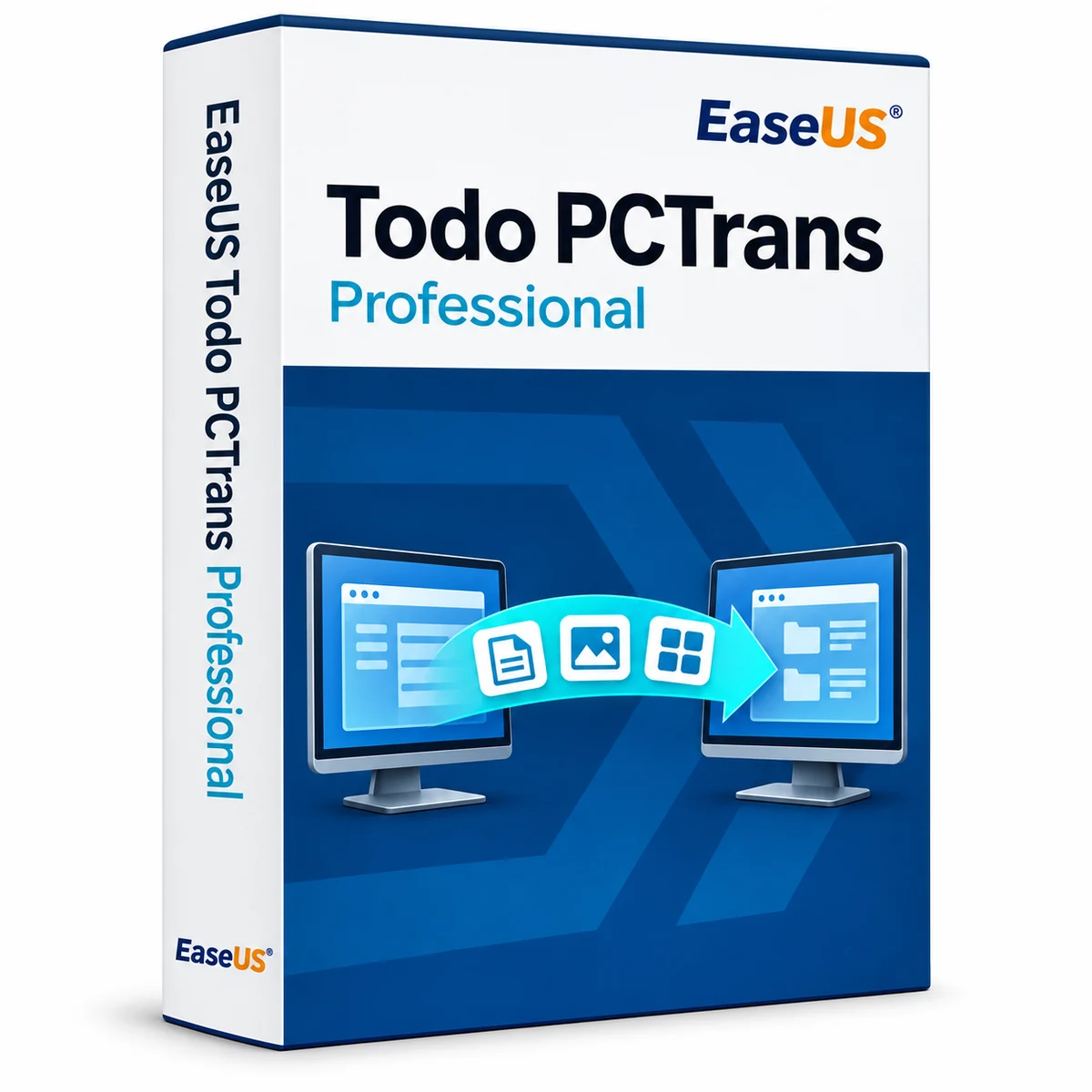
1 Windows PC · perpetual licence · PC migration
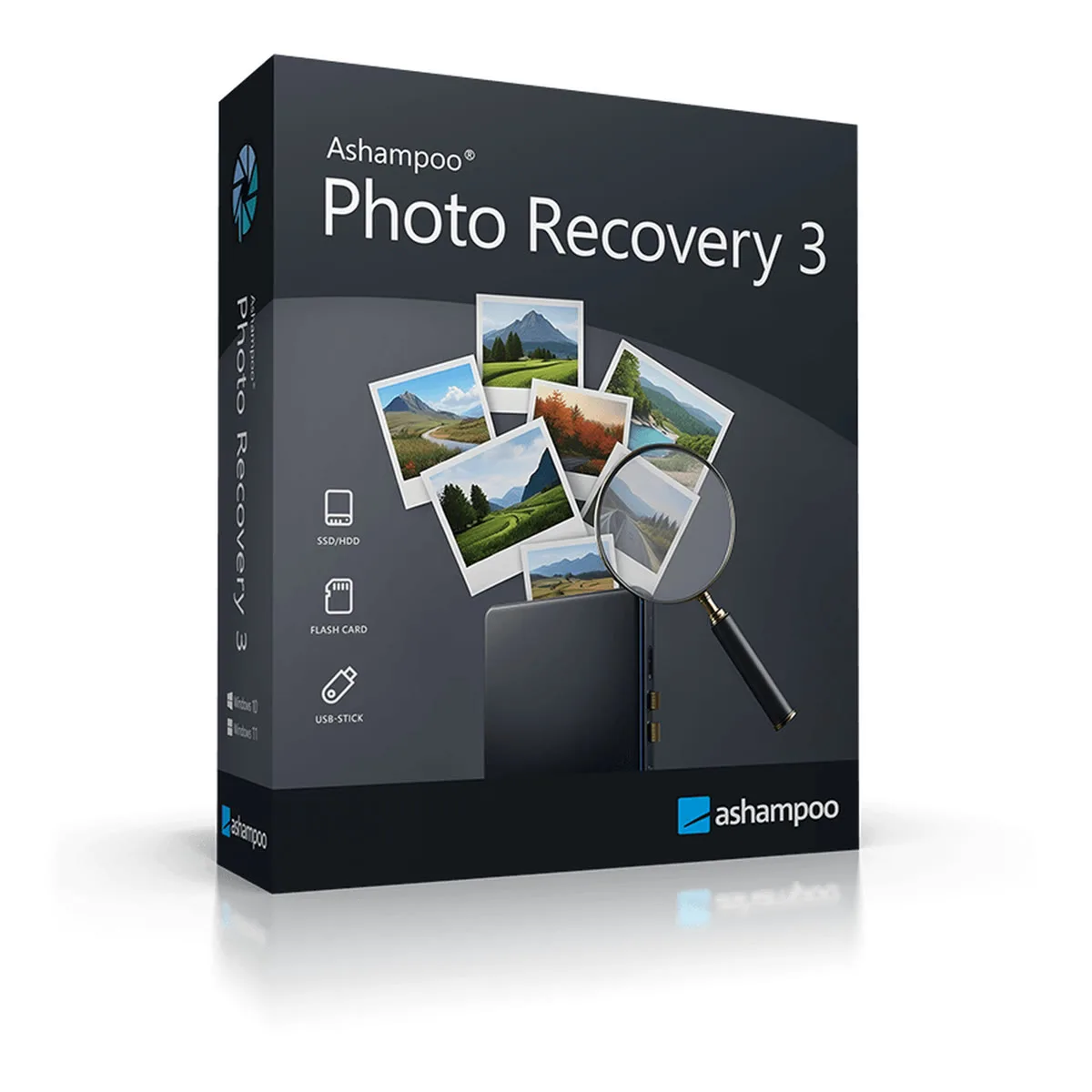
Version 3 · 1 Windows PC · perpetual licence
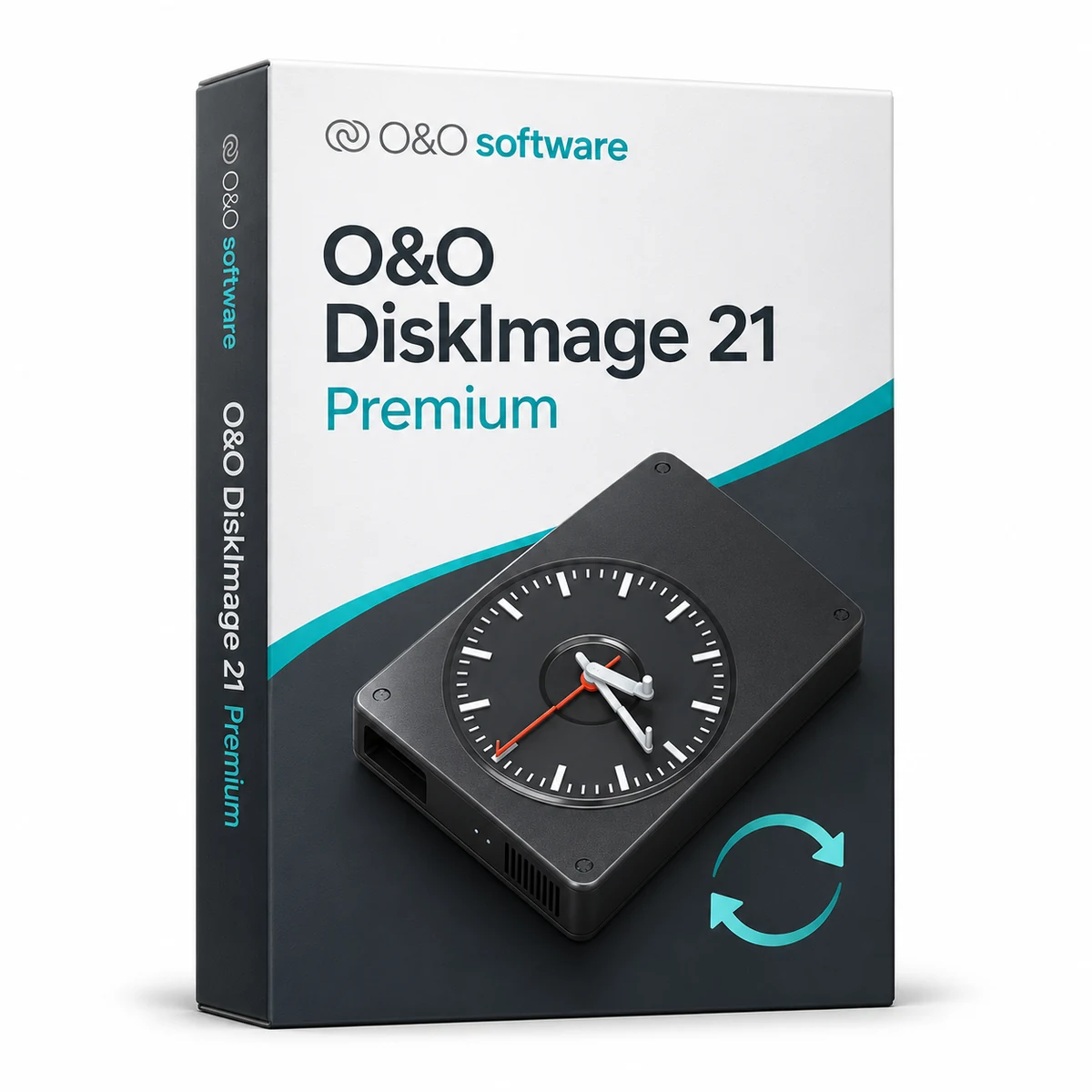
Version 21 · 1 Windows PC · perpetual licence
With your consent, we measure visits, clicks and the sources of confirmed purchases on our server. A broad source category can be linked to your order. No form entries or screen recordings. Statistics are optional.
Privacy policy