
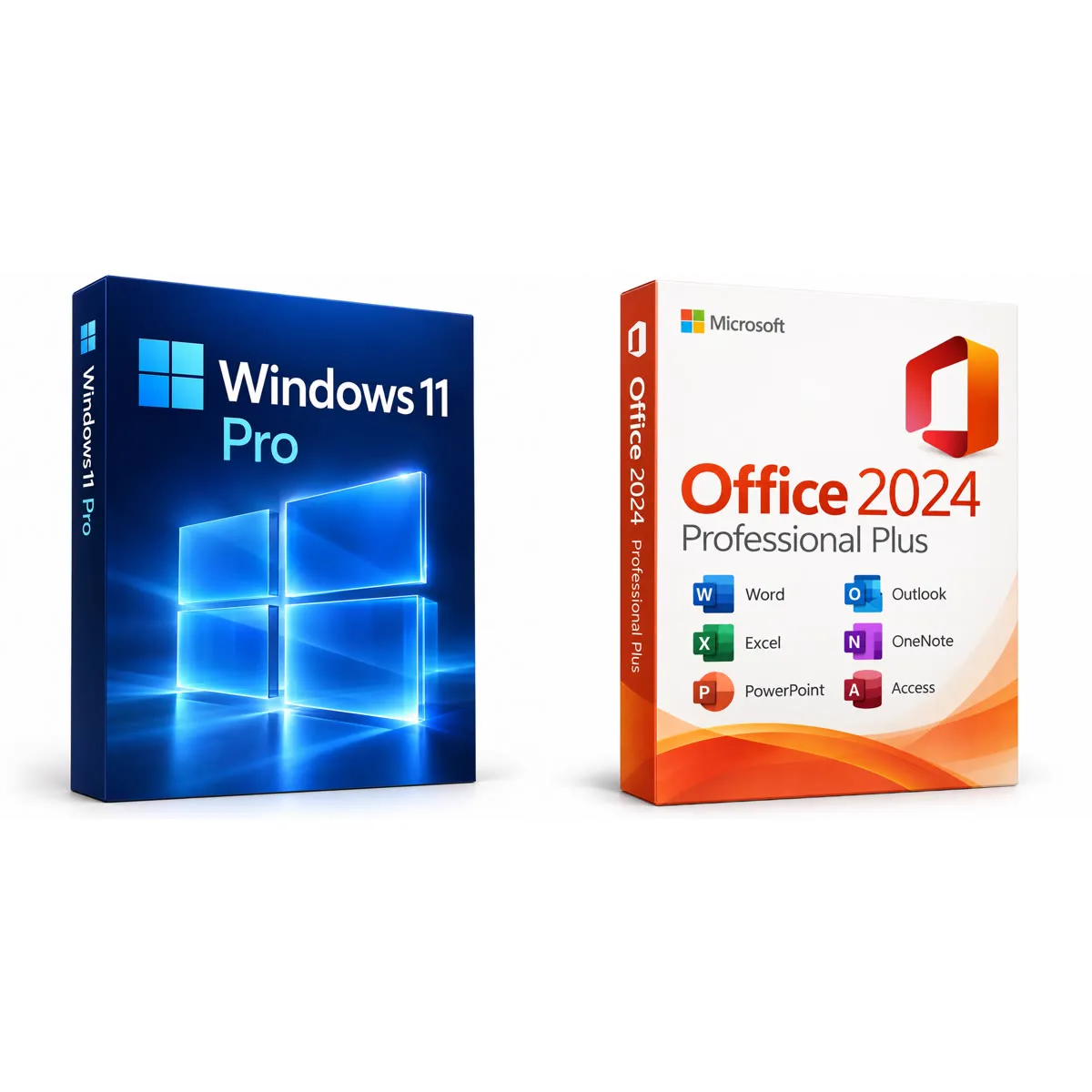
Microsoft
Windows 11 Pro + Office 2024 Professional Plus
Bundle for one PC · permanent use · no subscription
- Bundle
- 1 PC
- Permanent use
€15.90 €17.80
incl. 19% VAT
Product illustration · digital delivery, no packaging or hardware.
Product key · 1 PC · Windows · no subscription
Secure payments with PayPal.
iQPrinceps UG (haftungsbeschränkt) · Help & contact
Complete any bank verification for your card, or approve the payment with PayPal.
On the order page and by email, usually within minutes of confirmed payment.
Follow the instructions for your exact version. Your invoice arrives by email.
Unsure which product to choose?Install Office 2024: prepare Microsoft 365 and your own data
The complete Office suite for one workstation: Word, Excel, PowerPoint, Outlook, OneNote and Access. Pay once and keep using it – no subscription, no recurring costs. Microsoft provides security updates for Office 2024 until October 2029.
Write, lay out and review – from a letter to a thesis.
Spreadsheets, formulas and charts, including dynamic arrays and new functions.
Presentations with modern templates, transitions and recording tools.
Email, calendar and contacts for several mailboxes in one app.
Digital notebooks for ideas, notes and projects.
Create and manage databases – only in Professional Plus.
| Operating system | Windows 11 or Windows 10 LTSC 2019/2021 – not for macOS |
|---|---|
| Processor | at least 1.1 GHz, 2 cores |
| Memory | at least 4 GB |
| Storage | at least 4 GB free |
| Display | at least 1280 × 768 |
| Internet | for download and activation |
After purchase you receive the download links and an illustrated step-by-step guide on the order page and by email. We help personally with any questions.
This key is entered directly in Office. It cannot be redeemed via office.com/setup or a Microsoft account.
Existing Office versions can block installation. The image includes a removal tool. Back up documents, Outlook data and settings before removing anything; contact our support first if an error occurs.
Office installs in the language your Windows is set to – English, Italian, German, Spanish, French and more. Nothing to change.
If you order several licences, one key may carry several activations. The number of devices is shown next to the key.
No. Microsoft removed Publisher from Office 2024.
No, this version is for Windows 11 and Windows 10 LTSC 2019/2021 only.
No. The key is entered directly in Word; no account is needed.
The image contains our launcher and the Office Deployment Tool. If a warning appears, send us the exact message. Do not disable your antivirus as a general workaround.
No reviews yet.
Only buyers can review, via the personal link sent after delivery. We publish all reviews, including critical ones.
The product key offered was lawfully acquired. We make no own or parallel use of it. It is resold in line with current case law on the exhaustion of the distribution right.
Product keys are digital content. Your right of withdrawal expires if, with your express consent, we begin delivery before the withdrawal period ends and you have confirmed that you thereby lose your right of withdrawal (§ 356(5) German Civil Code). Your statutory warranty rights are unaffected.
Microsoft, Windows and Office are trademarks of the Microsoft group of companies; CCleaner, Recuva, Speccy and AVG are trademarks of their respective owners. Keycento has no corporate affiliation with these manufacturers.
Bundle for one PC · permanent use · no subscription
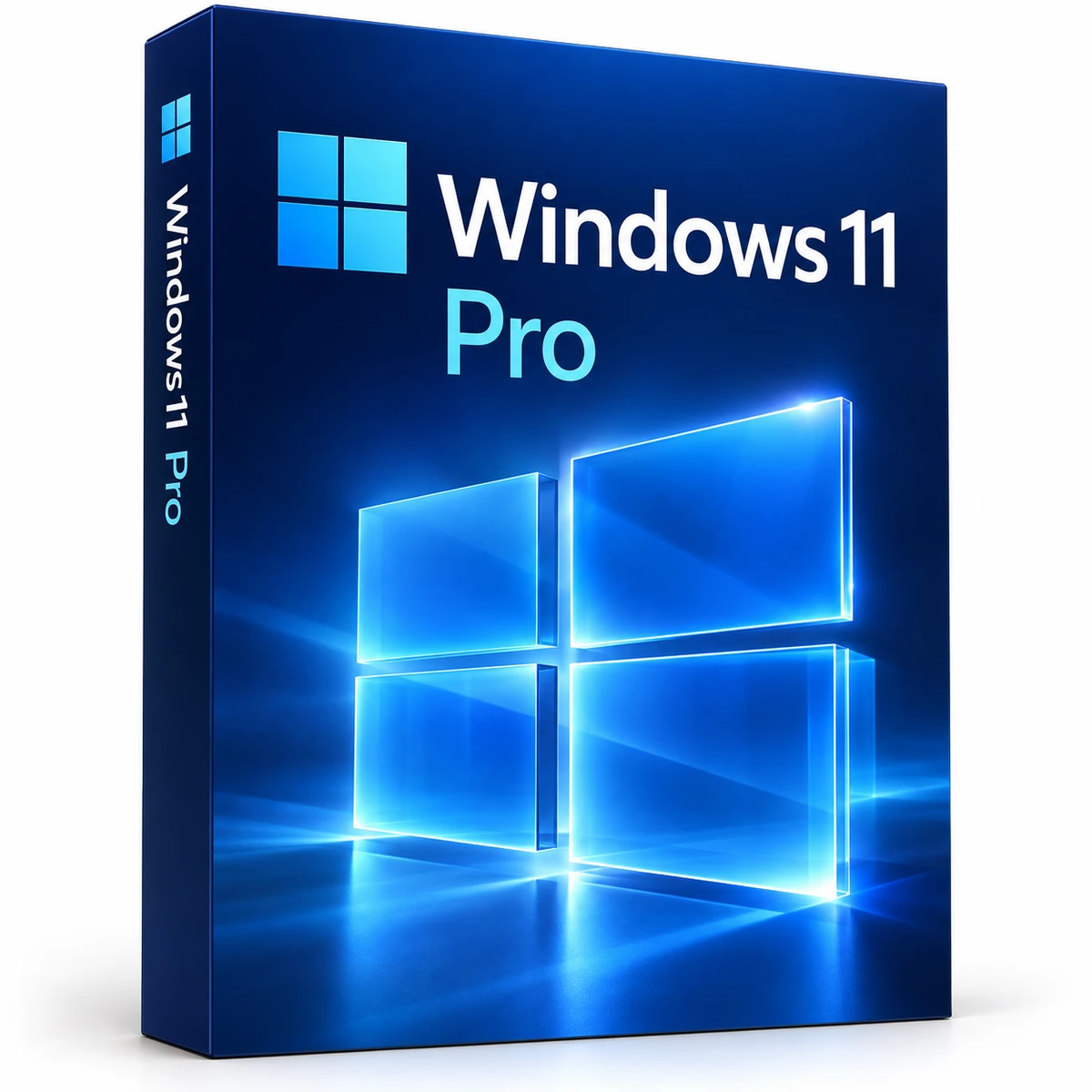
Product key · 1 PC · 64-bit · multilingual
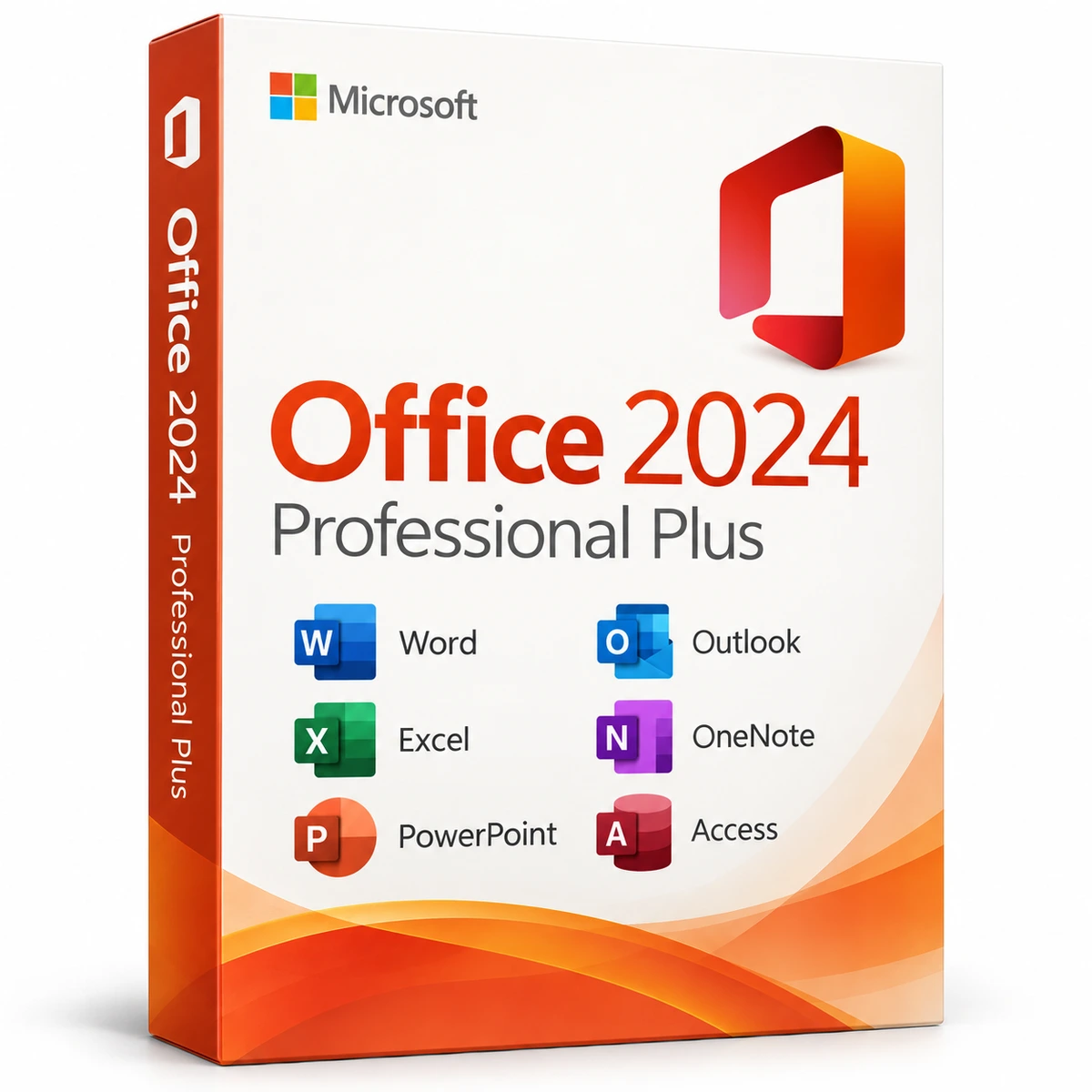
3 PCs · permanent use · volume price
5 PCs · permanent use · volume price
With your consent, we measure visits, clicks and the sources of confirmed purchases on our server. A broad source category can be linked to your order. No form entries or screen recordings. Statistics are optional.
Privacy policy